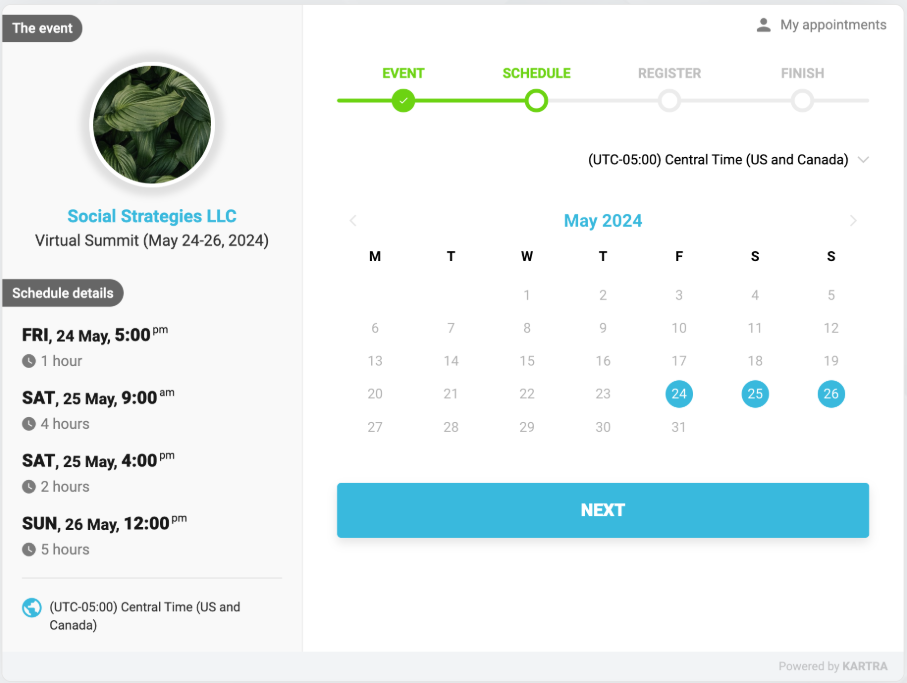
Learn how Kartra calendar models work and how to choose the right one for your booking needs.
When creating a calendar in Kartra, the first decision you’ll make is choosing a calendar model. The model you select determines how sessions are scheduled, how often they repeat, and how many people can attend.
A calendar model defines the booking experience you want to offer. It controls things like:
- Whether sessions are one-time or recurring
- Whether bookings are for individuals or groups
- How registrants select times or sessions
Once a calendar is created, its model cannot be changed, so it’s important to choose the one that best fits your needs.
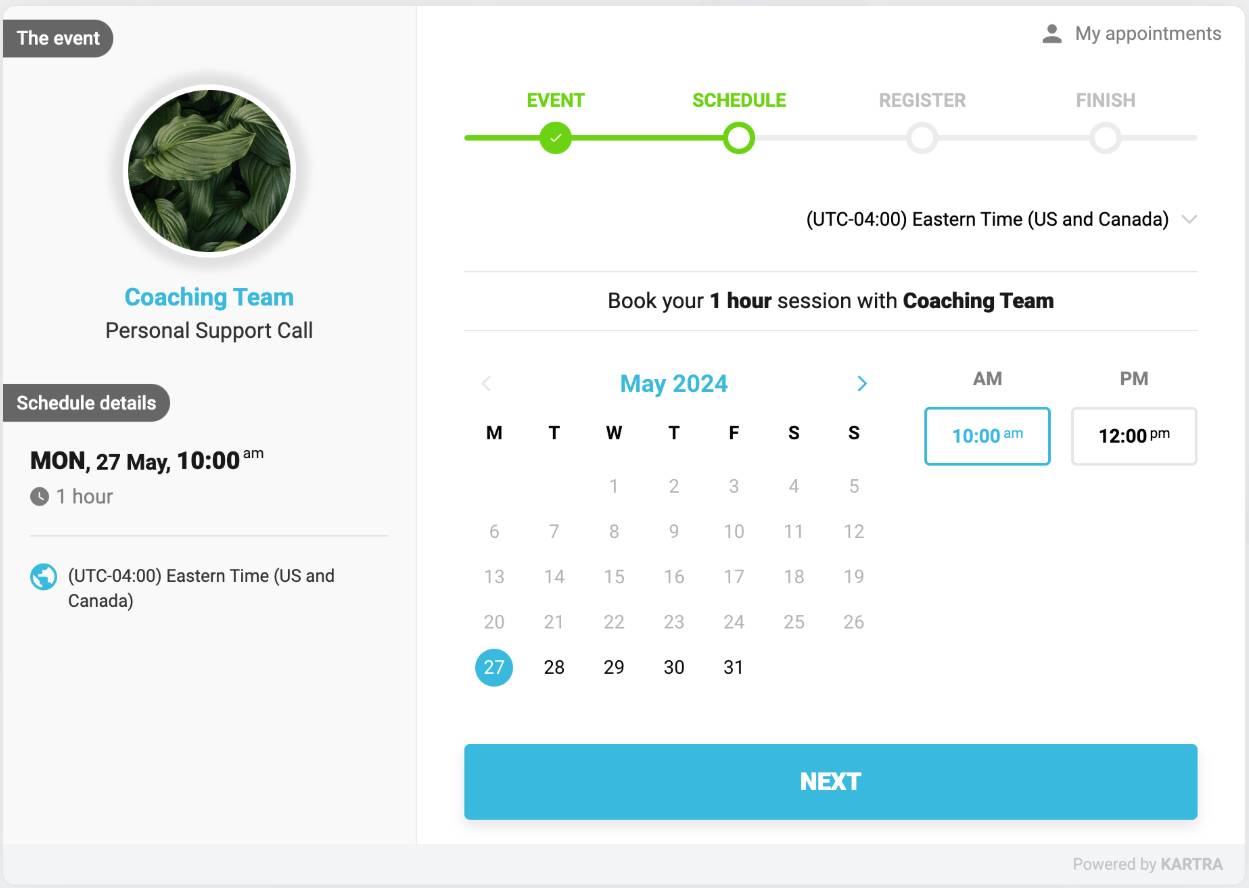
Consultant model
Use the Consultant model when you want to offer 1-on-1 appointments where each booking reserves time with a single host. Choose this model if:
- You want people to choose from your available time slots
- Each booking is private and limited to one registrant
- Sessions are one-time or part of a short series
This model supports up to 10 active appointments per contact.
If you're planning a longer series or booking many sessions ahead of time, the recurrent model may be a better fit.
Supports:
- 1-on-1 consulting or coaching calls
- One-time appointments
- On-demand support sessions
- Expert consultations
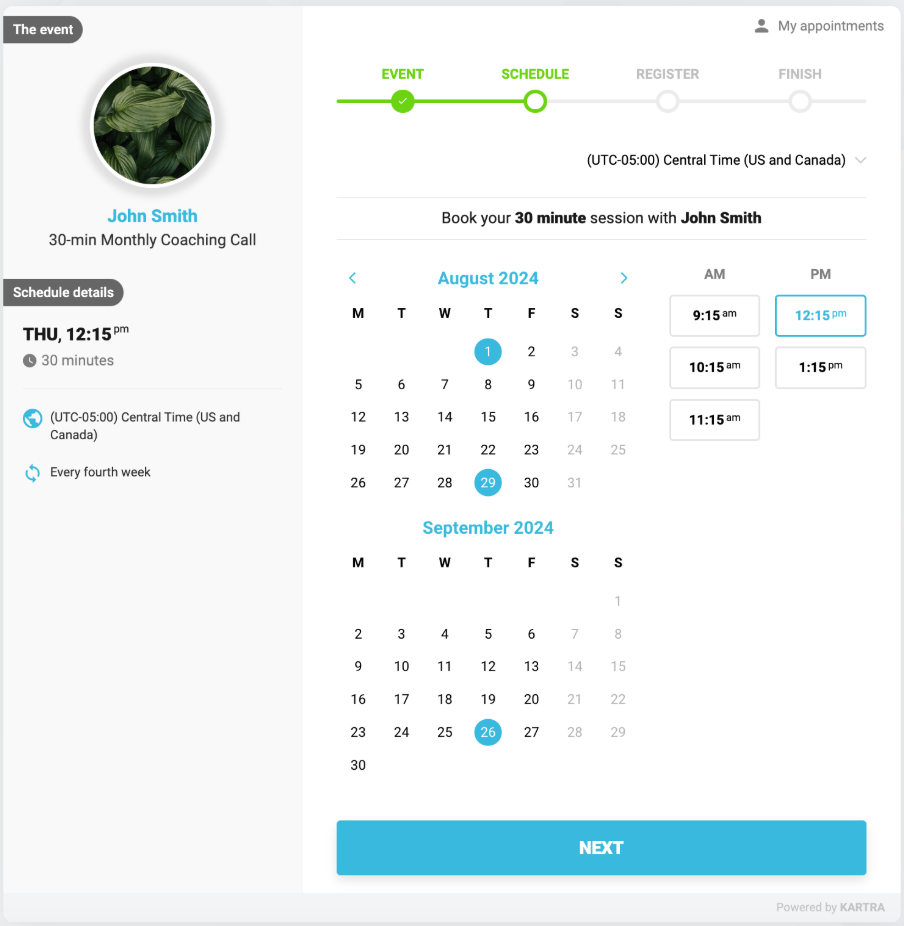
Recurrent model
Use the Recurrent class model for ongoing sessions that repeat on a regular schedule. This model your go-to if:
- Sessions must happen at the same time on the same day
- Bookings should continue indefinitely until cancelled
- Registrants need to commit to a recurring schedule
Best for:
- Weekly or bi-weekly coaching sessions
- Ongoing classes or lessons
- Therapy or counselling appointments
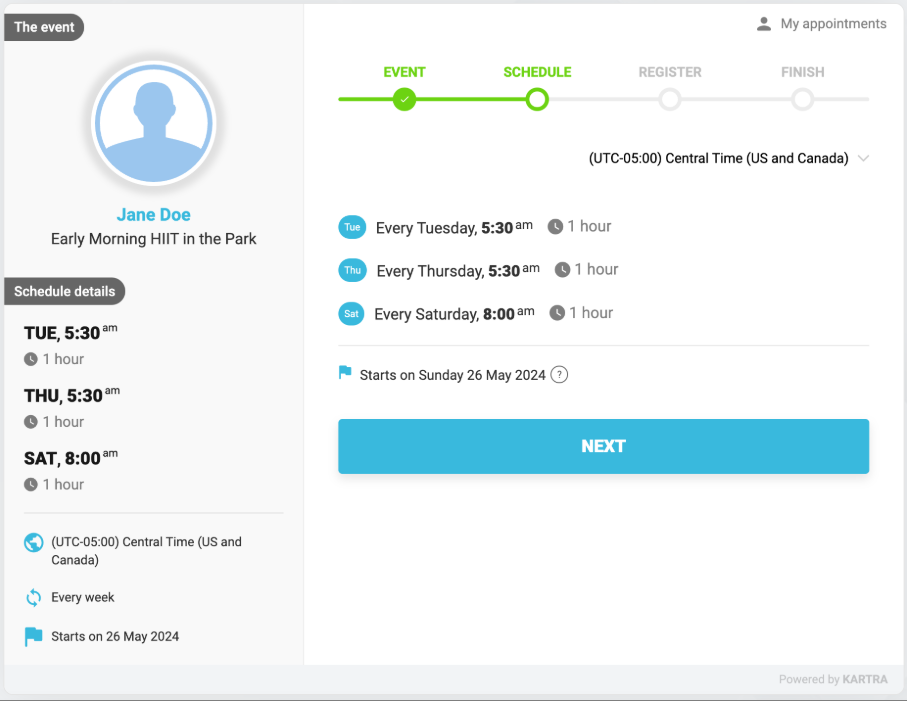
Gym model
Use the Gym model for group sessions that run on fixed days and times. With this model:
- Sessions are scheduled in advance
- Multiple people can register for the same session
- Registrants choose which sessions they want to attend
Use it for:
- Fitness or wellness classes
- Language or skills training programs
- Group coaching calls
- Sports training sessions
Live event model
Use the Live event model for one-off events with a specific date and time. This model works best when:
- The event happens on a fixed date
- Many people attend the same event
- Registration may need to be capped
Helpful for scheduling:
- Conferences, seminars, or workshops
- Live performances or concerts
- Trade shows or networking events
- One-time meetings or presentations