
Pages are customizable web pages built inside Kartra. You can use them to share information, present an offer, or collect details from visitors.
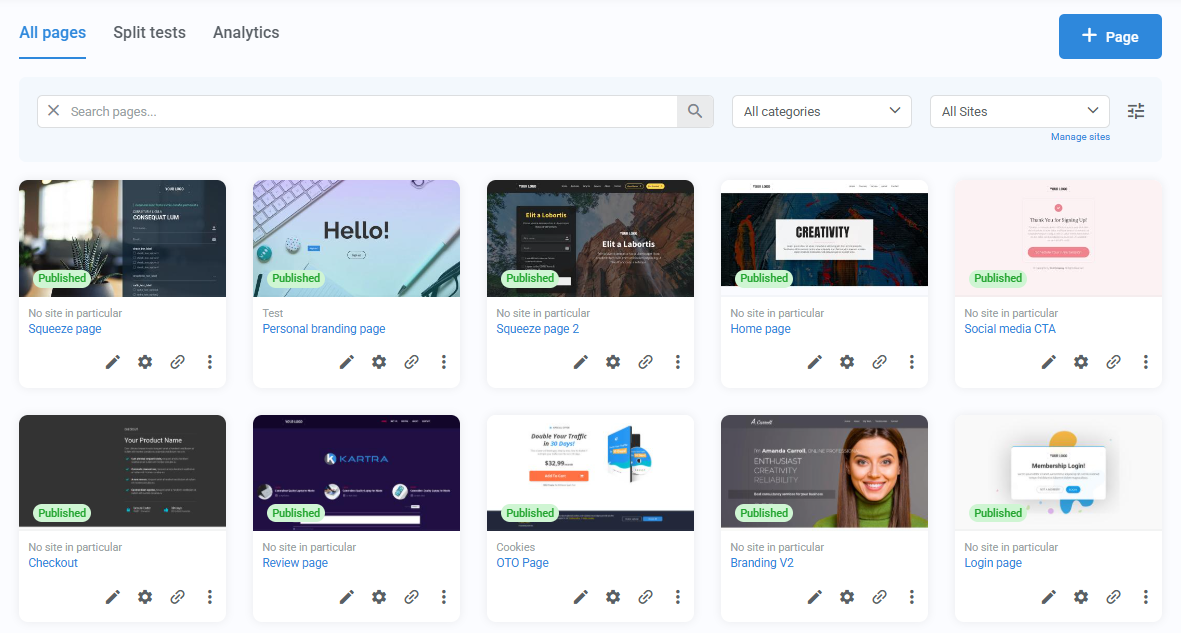
Pages can support many different goals, including:
- Growing an email list
- Selling products or services
- Registering people for events, webinars, or appointments
- Sharing time-sensitive offers
- Announcing updates or promotions
- Testing different page versions to improve results
How you use Pages depends on your goals. Some people prefer to create individual landing or checkout pages, while others use them to build complete websites with multiple pages, navigation menus, and shared design elements.
Because Pages can connect with other Kartra features, they often play a key role in what happens after someone visits: from sign-ups and follow-up emails, to engagement and sales.
Building pages
Pages come with a visual builder that lets you assemble content by arranging structured layers. Every page is made up of:
- Sections: divide the page into full-width blocks
- Columns: control the layout within each section
- Components: the actual content and interactive elements, such as text, images, buttons, forms, etc.
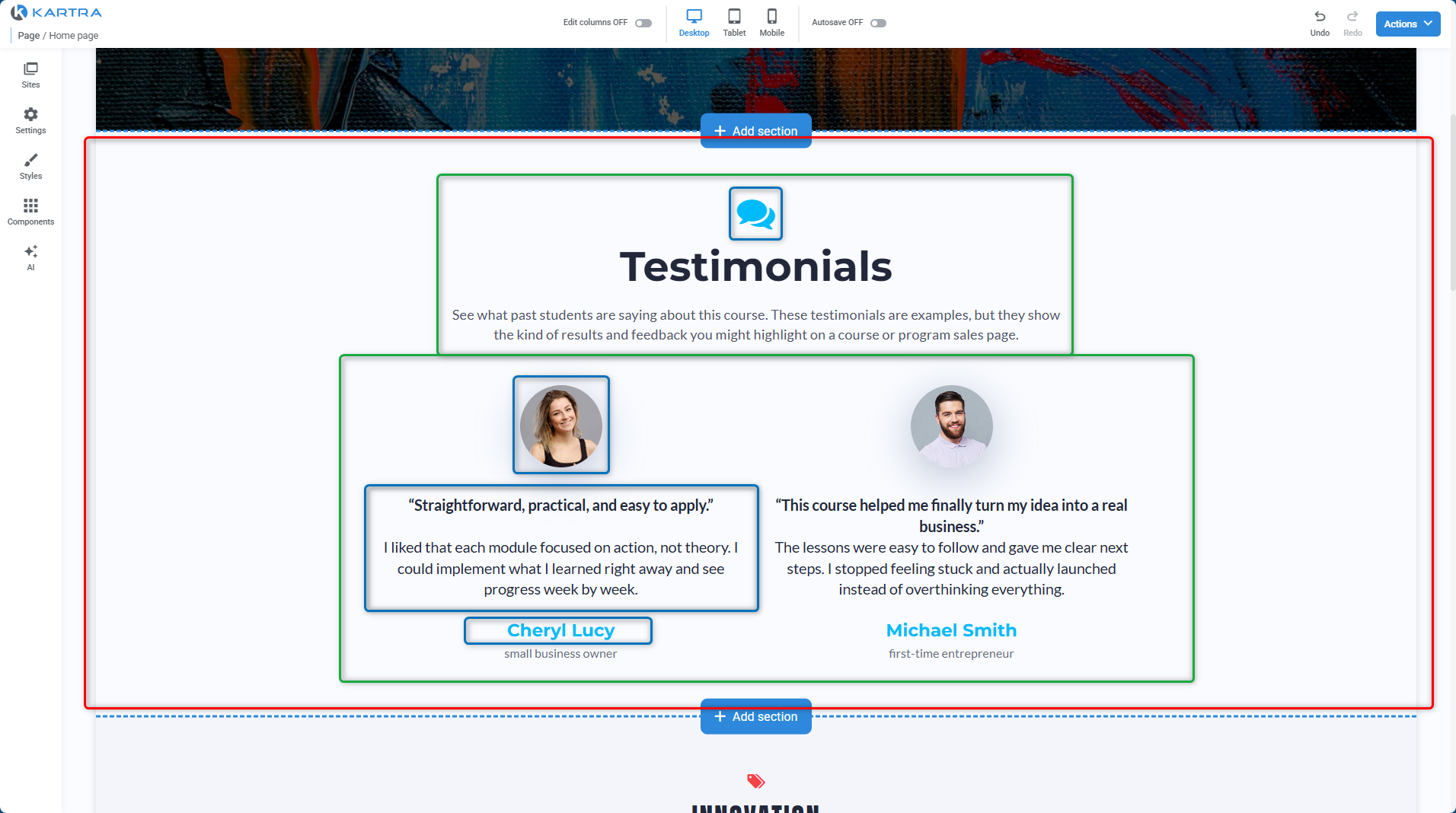
This structure makes it easy to control layout, design, and behavior while keeping pages organized and editable.
Split testing
Pages include built-in split testing, which lets you compare different versions of a page to see which one performs better.
You can test changes such as headlines, layouts, or calls to action by showing different versions of a page to different visitors. Over time, this helps you make informed decisions based on real results instead of guesswork.
This is especially useful when you want to improve signups, purchases, or engagement without rebuilding pages from scratch.
Sites
A single page can work on its own, but Pages can also be grouped using Sites.
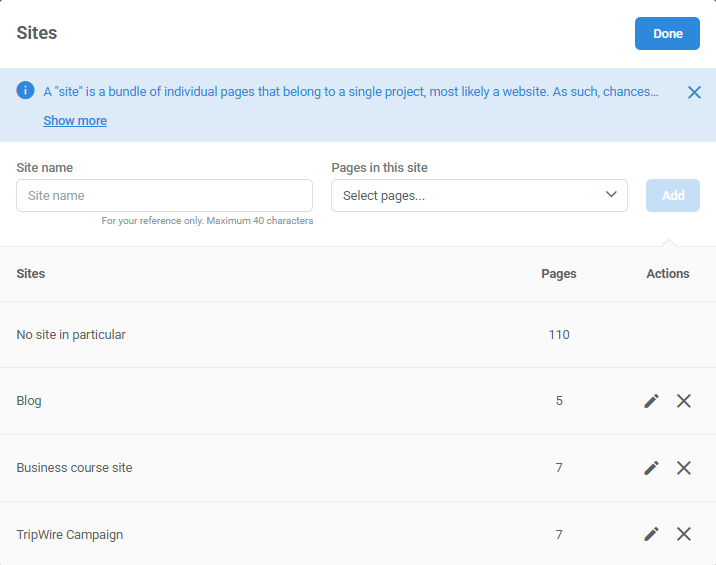
Sites help you organize related pages and manage shared elements across them, such as:
- Navigation menus
- Headers and footers
- Styles, tracking codes, or pop-ups
Sites don’t automatically link pages together for you. Instead, they give you control over how pages are grouped and how visitors move between them, whether you’re building a simple project or a full website.