
At Kartra, we are dedicated to providing our customers with exceptional support and a seamless experience. To contact our support team, we recommend that you log in to our Help Center and submit a ticket or use the live chat during our dedicated chat hours.
Contact support from the Help Center
To get help, log in directly to the Help Center using your Kartra account credentials.
From there, you can:
- Start a live chat (during available hours)
- Submit a support ticket through the widget or the Submit a ticket option
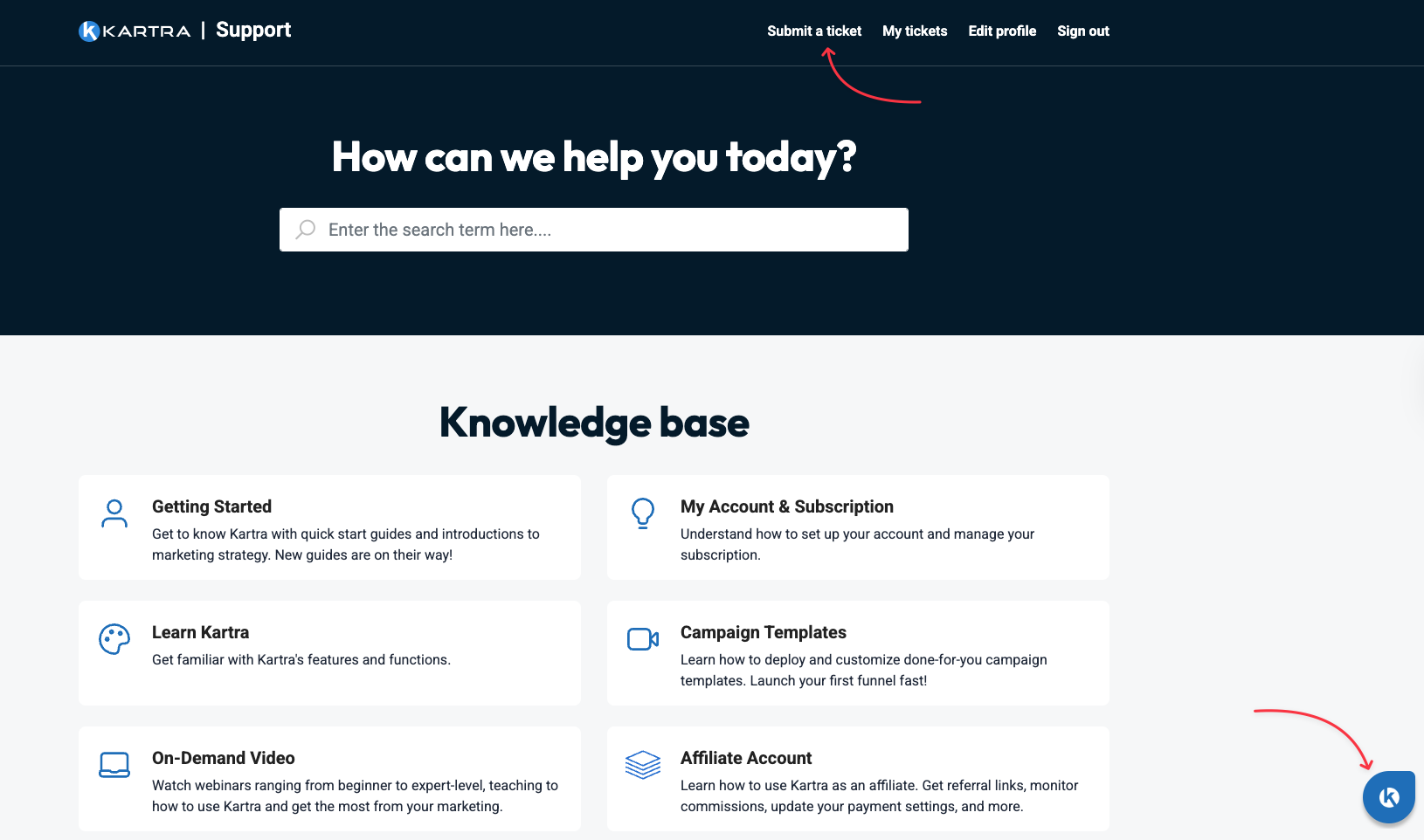
If chat is unavailable, you can submit a ticket from the same chat window.
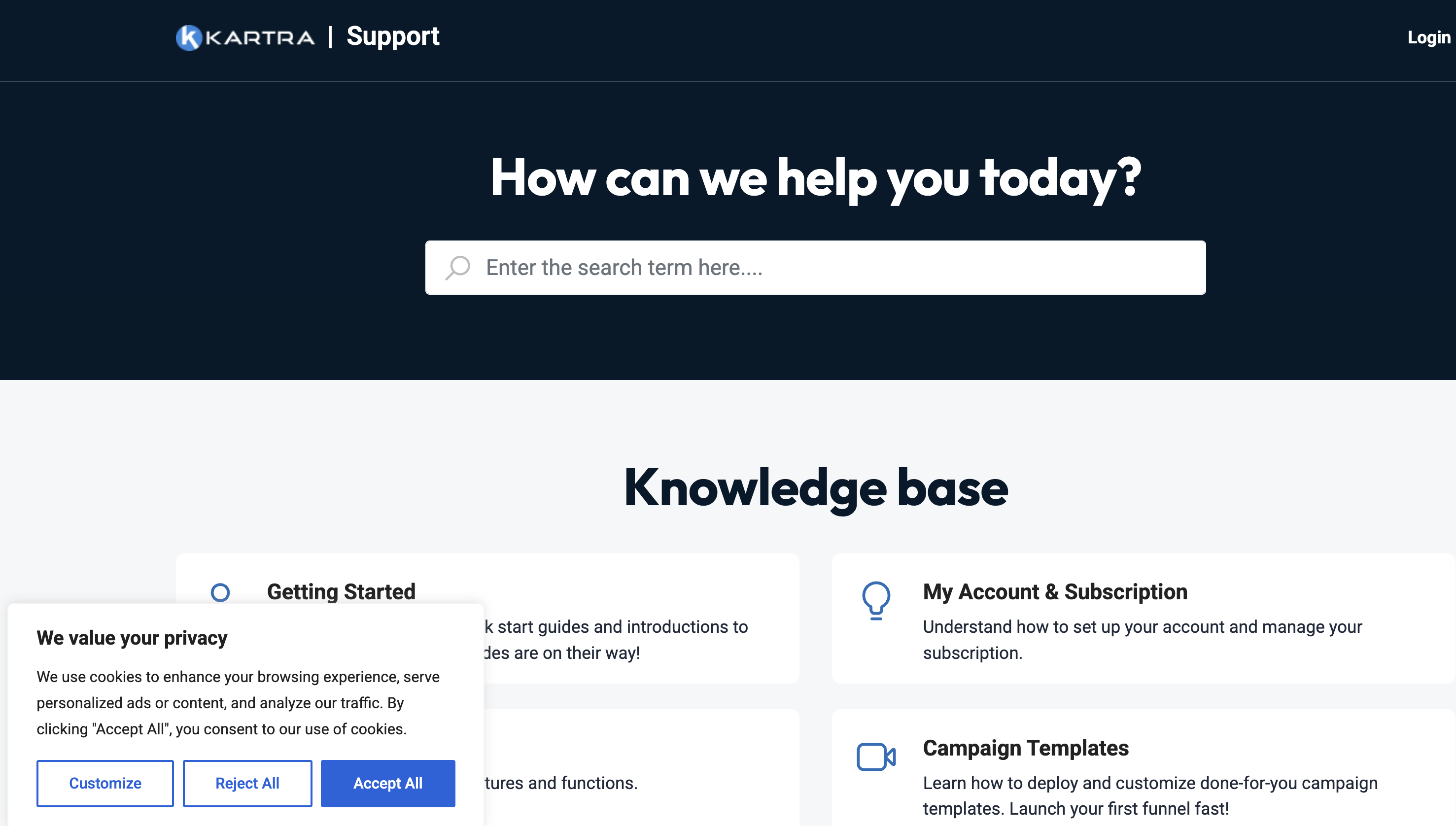
Important: If you do not see the help icon, make sure you have accepted cookies in your browser. The help widget will not appear unless cookies are enabled.
Live chat hours
Live chat is available Monday to Friday (US Pacific time).
Technical Support
- 12:00 AM - 5:00 AM
- 7:00 AM - 4:00 PM
Billing Support
- 1:00 AM - 4:00 AM
- 9:00 AM - 12:00 PM
If you cannot log in
- Make sure you use the same credentials as you use to login to the Kartra app.
- If you do not remember your credentials, please reset your password on the Kartra account login page. Learn more about resetting a forgotten password.
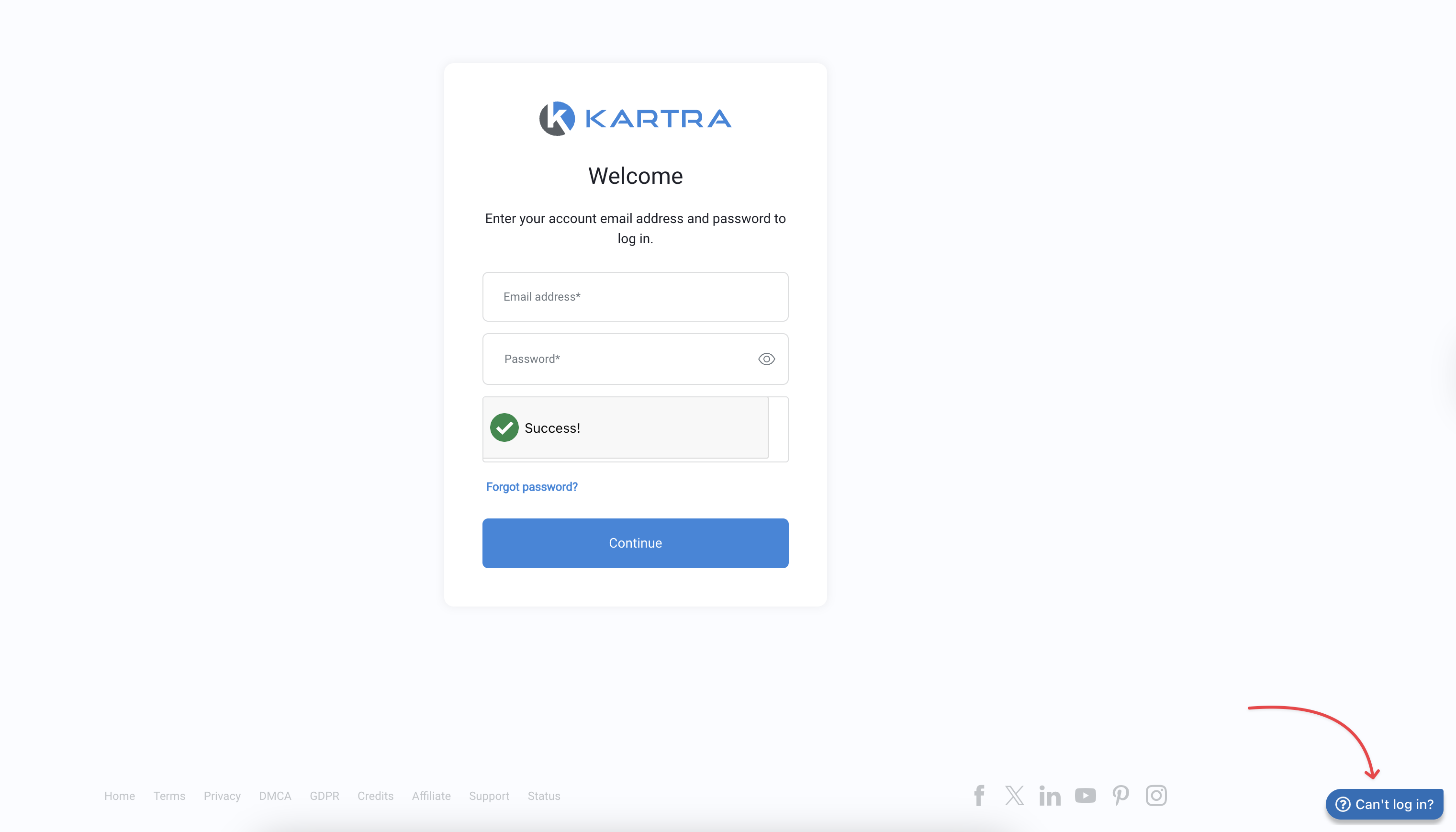
- If you need help, click the blue “Can't login?” bubble in the bottom right corner of the login screen to use the Kartra Login Helper and submit a ticket for assistance from our team.
Not a Kartra Customer?
Please navigate to the Plans & Pricing on the Kartra website and chat with one of our account representatives about getting started with us!